Push notifications are most effective when they reach the right person at the right time without requiring constant manual effort. Whether you're welcoming new subscribers, responding to user behavior, or integrating with external systems, Aimtell offers three powerful ways to automate your push notification strategy: welcome notifications, triggered notifications, and API notifications. Let's explore each automation method.
What Is Push Notification Automation?
Push notification automation is the practice of sending web push messages automatically based on rules, timing, or subscriber activity instead of composing and sending each one by hand. Aimtell supports three automation methods: welcome notifications that fire when someone opts in, triggered notifications that respond to on-site behavior, and API notifications that your own systems send programmatically.
Teams adopt push notification automation because it saves hours of manual work, lifts click-through rates by reaching subscribers at the right moment, and reduces churn by keeping people engaged without staff intervention.
1. Welcome Notifications
First impressions matter, and your welcome notification is often the first push a subscriber receives from your brand. Welcome Notifications are sent automatically the moment a visitor opts in to receive push notifications from your site.
Setting up a welcome notification is straightforward. Simply navigate to 'Welcome Notifications' in your Aimtell dashboard, enter your title, body, icon, and destination URL, then toggle the status to enable it. Your welcome push will start sending immediately to every new subscriber.
Your welcome notification doesn't need to be complicated. A simple "Thanks for subscribing!" works well, but you can also use this opportunity to:
- Introduce your brand and set expectations
- Offer an exclusive discount or incentive
- Direct subscribers to popular content or products
- Add action buttons encouraging immediate engagement
Welcome notifications support up to two action buttons, allowing you to guide new subscribers toward specific actions like shopping your products, reading a case study, or signing up for a newsletter. Learn more in our Welcome Notification documentation.
2. Triggered Notifications
Triggered Notifications take automation to the next level by sending push notifications based on specific subscriber actions or events. Unlike welcome notifications that fire once at opt-in, triggered campaigns can respond to virtually any behavior you want to track.
The power of triggered notifications lies in their flexibility. They can be activated by any event, including:
- Viewing a specific page
- Clicking on a previous notification
- Custom events tracked via our Custom Events API
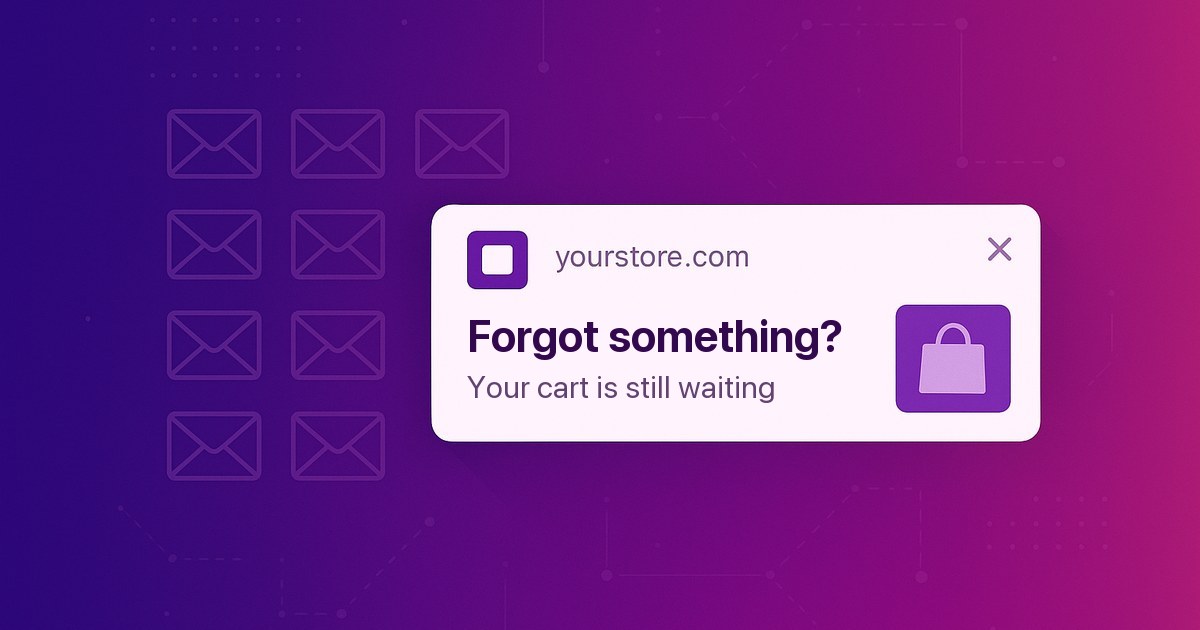
- Cart abandonment
- Subscription events
Triggered campaigns also offer robust features that give you precise control over delivery:
- Time Delay: Set a delay in minutes, hours, or days before the notification sends. This is perfect for follow-up messages or drip campaigns.
- Expire On Conversion: Prevent the notification from sending if the subscriber converts during the delay period.
- Device Targeting: Send to all devices, desktop only, or mobile only.
- Segment Targeting: Restrict the triggered campaign to specific subscriber segments.
To track custom events that trigger notifications, you can use our JavaScript tracking method or the REST API. For example, to track a custom event via JavaScript:
_at.track("event", {
  "category": "product",
  "action": "viewed",
  "label": "Premium Plan",
  "value": 99
});
Once you're tracking events, setting up the triggered campaign is straightforward. Navigate to Triggered Notifications in your dashboard and click 'New Triggered Notification.' You'll specify the event category and event action that should trigger the notification (matching what you're tracking in your code). From there, you fill out the notification content just like you would for a manual campaign: title, body, destination URL, icon, and optional action buttons. The key difference is that instead of selecting a segment to target, you're specifying the event that triggers the send.
Check out our Triggered Campaigns documentation for detailed setup instructions.
3. API Notifications
For maximum flexibility and customization, API Notifications let you send push notifications programmatically from your own systems, applications, or third-party integrations. This is the most powerful automation option for businesses with specific technical requirements.
What makes API notifications extremely customizable is the ability to target notifications with precision. You can send a push notification to:
- An individual subscriber using their unique subscriber UID
- Multiple specific subscribers by passing up to 1,000 subscriber UIDs
- An entire segment by specifying a segment ID
- A subscriber by alias using an associated username, user ID, or email
The alias feature deserves special attention because it bridges the gap between your existing user data and push notifications. By adding a simple tracking snippet to your site, you can associate a user ID or email address with each push subscriber:
_at.track("alias", {
  "user": "user_12345",
  "email": "customer@example.com"
});
Once aliases are set up, you can send push notifications directly to a user ID or email address via the API, and Aimtell automatically looks up the associated push subscriber and delivers the notification. For example, here's how to send a notification to a specific user by their alias:
curl -XPOST -H 'X-Authorization: YOUR_API_KEY' \
     -H 'Content-type: application/json' \
     -d '{
       "idSite": "1234",
       "title": "Your order has shipped!",
       "body": "Track your package now.",
       "link": "https://yoursite.com/track/12345",
       "alias": "user==user_12345"
     }' \
     'https://api.aimtell.com/prod/push'
This means your backend systems, CRM, or marketing automation tools can trigger personalized push notifications without needing to store or manage Aimtell subscriber UIDs. Learn more in our Subscriber Aliases documentation.
Beyond individual targeting, you can also send to entire segments at once. This is useful for broadcasting promotions or announcements to specific groups of subscribers:
curl -XPOST -H 'X-Authorization: YOUR_API_KEY' \
     -H 'Content-type: application/json' \
     -d '{
       "idSite": "1234",
       "title": "Flash Sale!",
       "body": "50% off for the next 2 hours.",
       "link": "https://yoursite.com/sale",
       "segmentId": 5678
     }' \
     'https://api.aimtell.com/prod/push'
You can also schedule API notifications to go out at a specific time in the future rather than sending them immediately. This allows you to queue up notifications for optimal delivery times or coordinate with marketing campaigns and product launches.
API notifications integrate seamlessly with tools like Zapier, enabling you to trigger notifications from thousands of apps without writing code. Visit our API documentation to get started.
Choosing The Right Push Notification Automation Method
Each automation method serves different use cases:
- Welcome Notifications: Best for making a great first impression with every new subscriber.
- Triggered Notifications: Ideal for behavior-based messaging, drip campaigns, and responding to on-site events.
- API Notifications: Perfect for custom integrations, transactional notifications, and advanced scheduling requirements.
Most successful push notification strategies combine all three methods to create a comprehensive, automated engagement system that works around the clock.
Get Started Today
Ready to automate your push notifications? Log in to your Aimtell dashboard to set up your welcome and triggered campaigns, or check out our developer portal to start using the API.
New to Aimtell? Sign up for a free 14-day trial to see how push notification automation can transform your engagement strategy.